Tips & Info
Barbell Tracker uses AI to analyze your lifting form by tracking the bar path through your video. Here's how to get the best results.
🎯How to Select the Plate
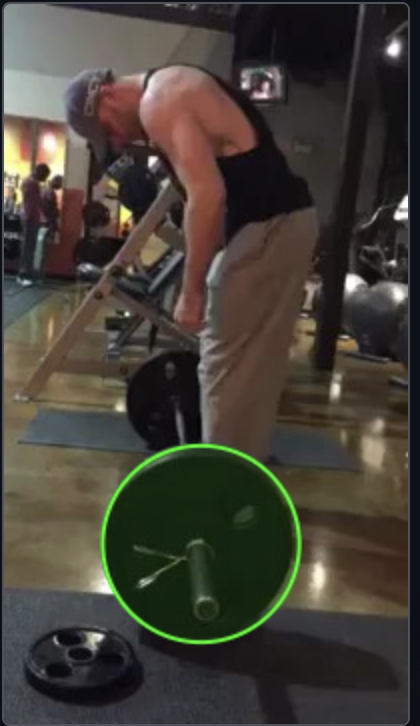
After uploading your video, you'll see the first frame of your clip. Draw a circle around the weight plate you want to track — drag from one edge of the plate to the opposite edge.
- ①Click and drag across the plate to draw the green circle. It snaps to the diameter of your drag.
- ②Try to match the circle tightly to the outer edge of the plate — the tighter the fit, the more accurate the tracking.
- ③Hit Confirm Selection when the circle looks good. You can redraw as many times as you need.
Tip: Use the plate closest to the camera for best results.
🎬Tips for Best Results
Keep it in frame
The plate or kettlebell must stay fully visible throughout the entire lift. If it goes off-screen, tracking will fail.
Film from the side
Position your camera at a 90° angle to your body. Avoid filming from behind or at steep angles.
Good lighting
Well-lit environments work best. Avoid harsh shadows falling directly on the weight.
Avoid glare
Shiny chrome plates can confuse the tracker. Matte or rubber-coated plates work best.
Keep clips short
1-3 reps is ideal. Videos under 2 minutes process faster and produce better results.
Steady camera
Use a tripod or stable phone mount. Shaky footage makes tracking less accurate.
🎯Tracking Modes
Barbell
Tracks: Center of the weight plate
Best for: Squat and bench press bar path analysis
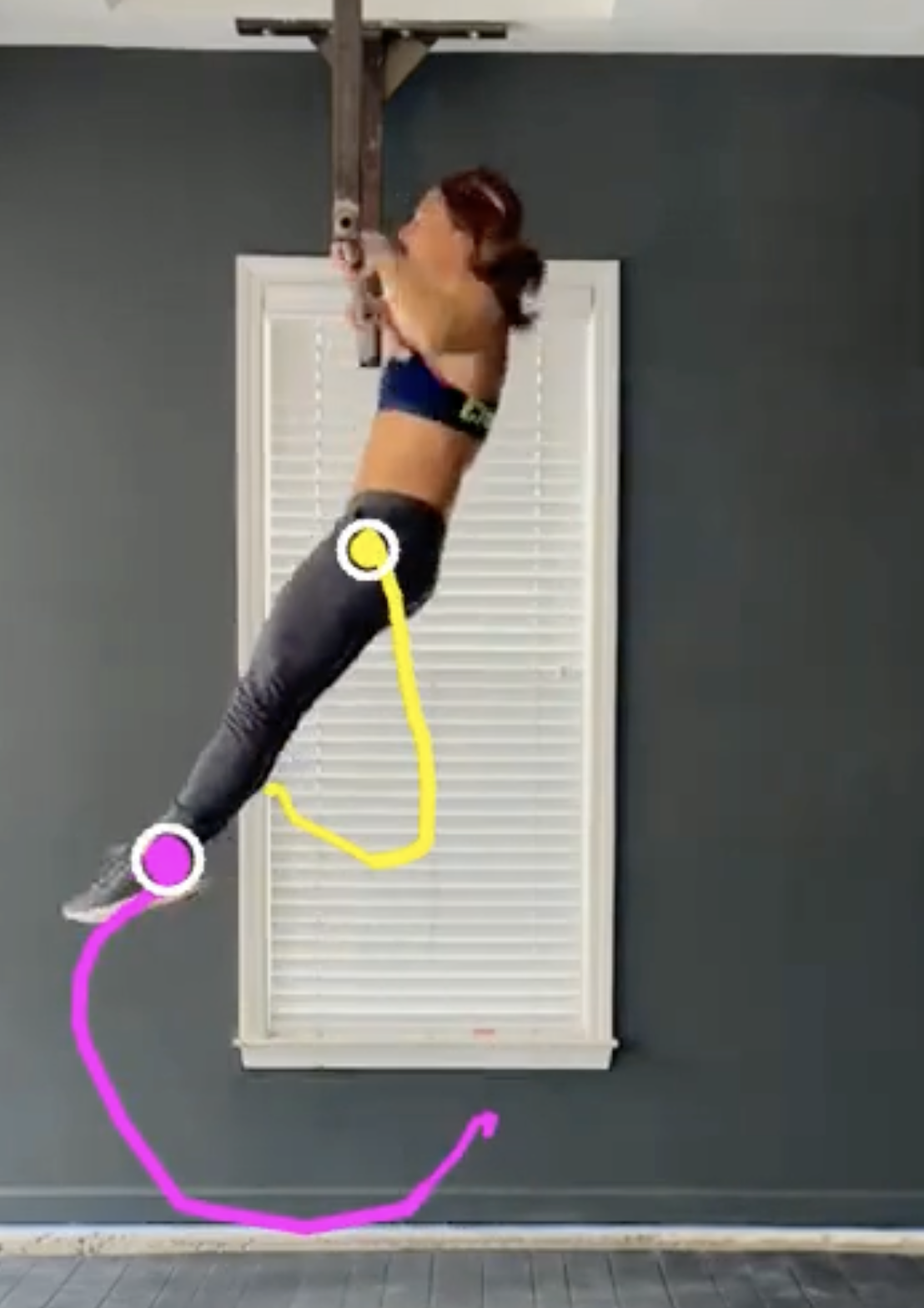
Kipping
Tracks: Feet position and hip center
Best for: Pull-up swing rhythm and consistency
Kettlebell
Tracks: Bell through body occlusion
Best for: Swings, cleans, and snatches
📸Examples
Good setup example
Screenshot coming soon
Good: Side angle, plate visible, good lighting
Poor setup example
Screenshot coming soon
Bad: Behind angle, plate cut off, shadows
📊Sample Output